License
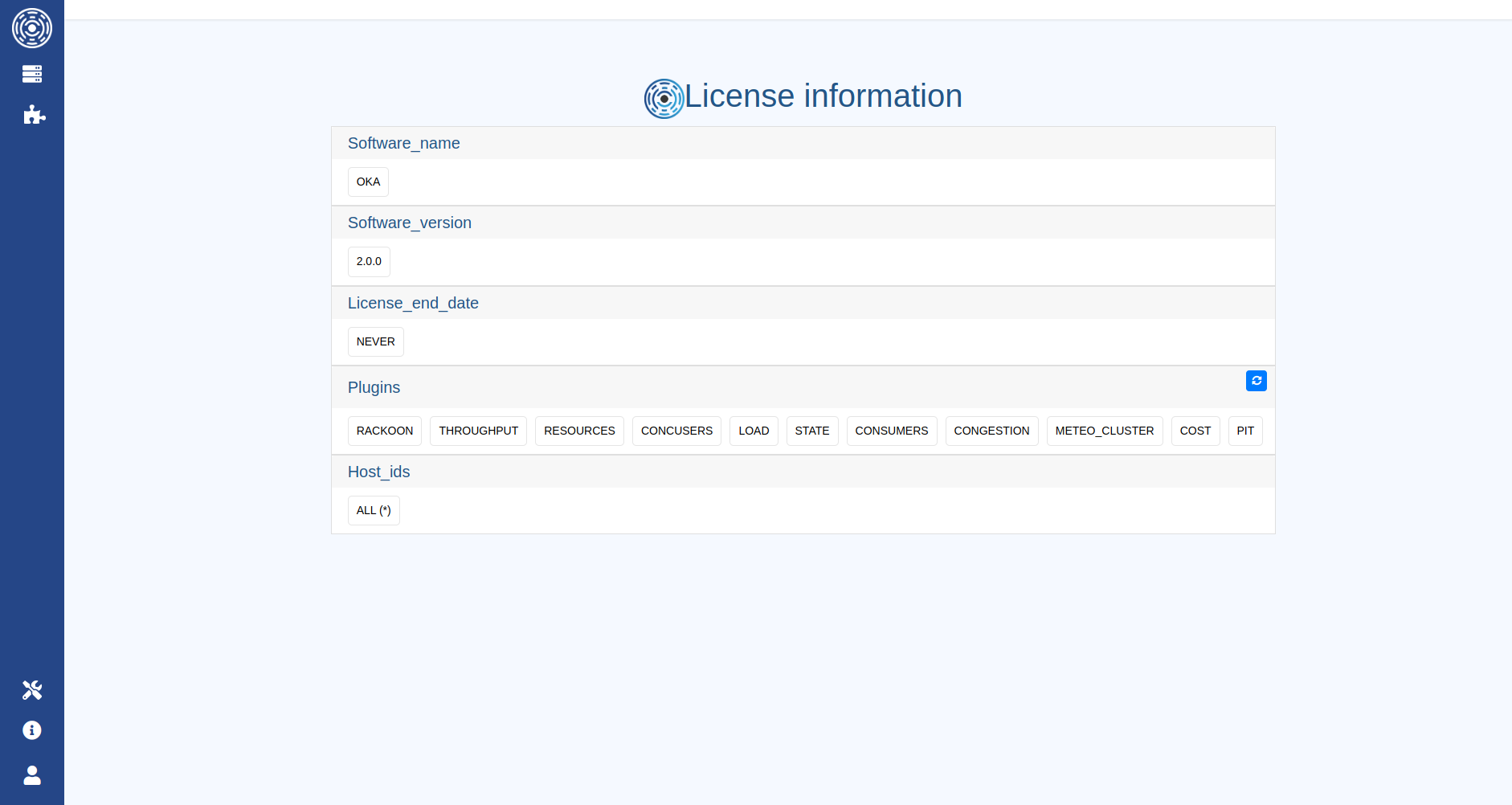
Info regarding your current license can be found on this page https://<OKA SERVER>/license_info
OKA will by default search a license file named oka.lic in ${OKA_INSTALL_DIR}/license.
A license path can however be provided through the license_file param in the ${OKA_INSTALL_DIR}/config/oka/oka.yaml configuration to override this default behavior.
Updating license
Two options to update the license used by OKA:
Update or add
license_fileparameter in${OKA_INSTALL_DIR}/config/oka/oka.yamlwith the path to the new license file.Copy your new license as
${OKA_INSTALL_DIR}/license/oka.licif using default behavior.
Upgrading license
In case you are upgrading the version of OKA, you will need to proceed to a new setup in order to gain access to new functionalities and make sure new modules are detected properly.
To do so, go to https://<OKA SERVER>/license_info page as an admin user and click on the refresh button placed on the right of the Modules section.